-
ReviverSoft
Answers
Get Answers from our
Community of Computer Experts-
Home
-
Resources
-
Questions & Answers
- Unable to install new usb devices and drivers
Unable to install new usb devices and drivers
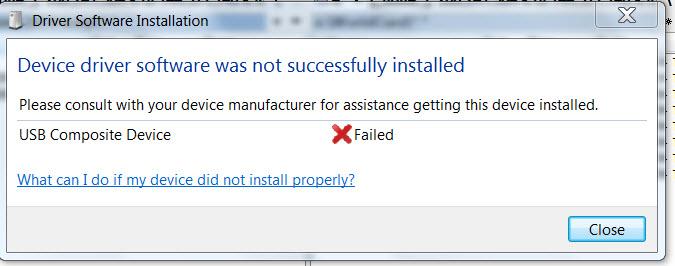
 i like this question0 Like ItFollowupon pluging a memory stick it tries to install the driver but then i get the message "device driver software was not successfully installed"
USB composite device X failed.
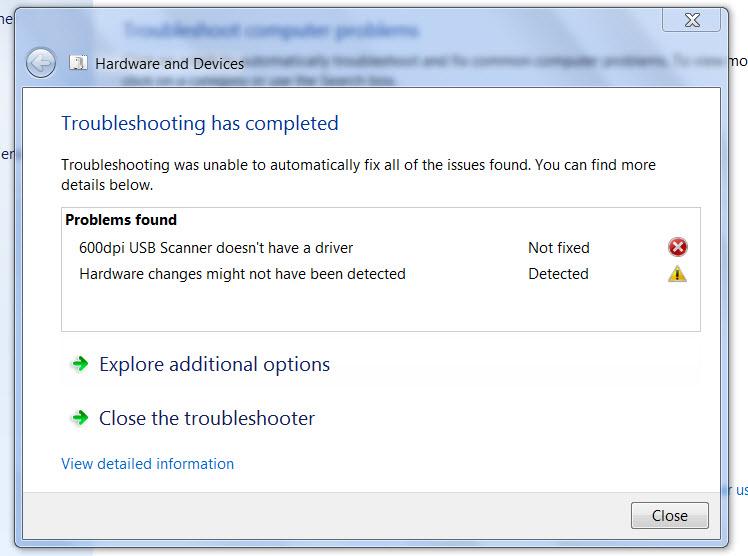
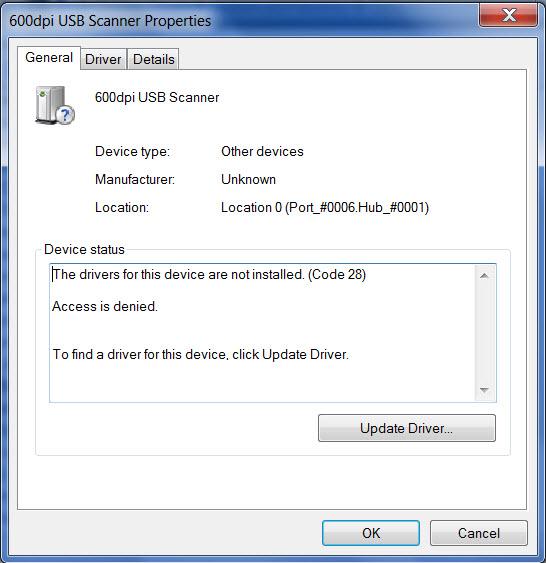
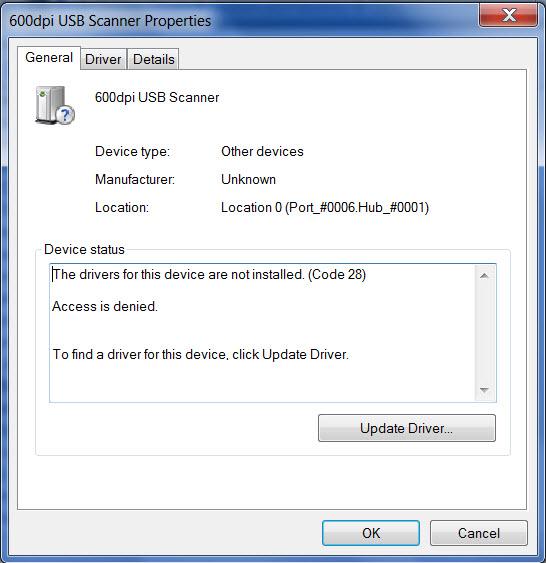
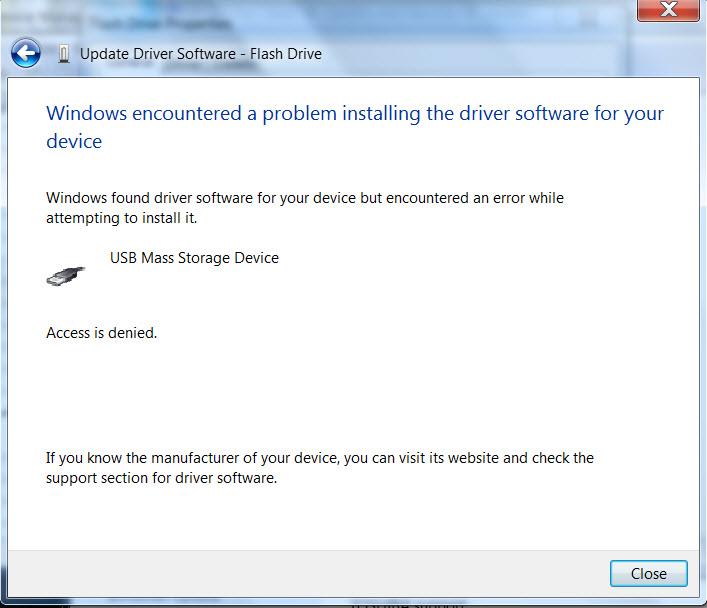
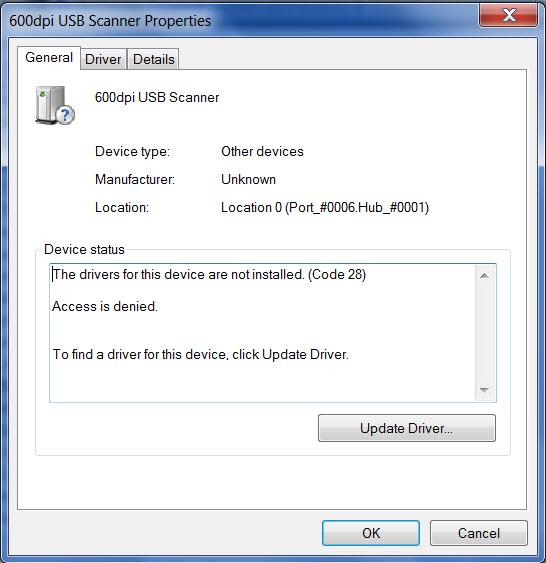
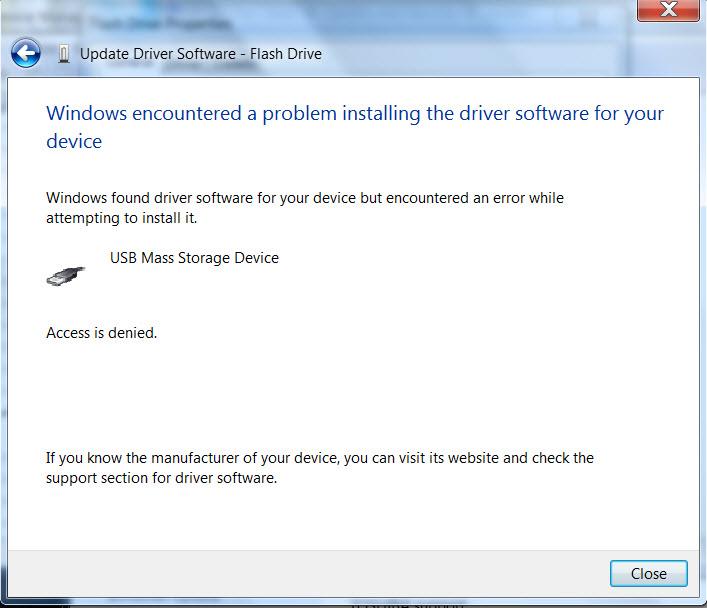
when accessing the device through device manager at faulty device and trying to update the driver i get message:
"windows encountered a problem installing the driver software for your device"
windows found driver software for your device but encountered an error while attempting to install it.
USB mass storage device
access denied.Operating System:Uploaded files: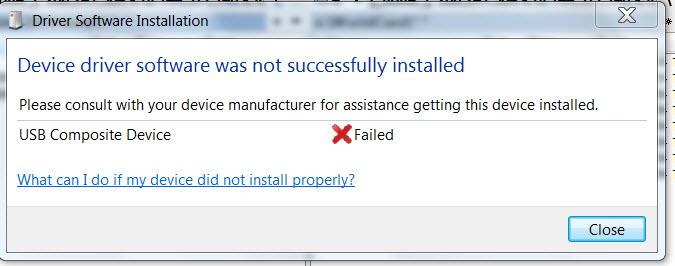
 Answer this questionbest answer
 What brand memory stick is it? I would recommend going to the website of the manufacturer and look for the driver in the support section of their website.
Welcome to Reviversoft Answers
ReviverSoft Answers is a place to ask any question you have about your computer and have it answered by the expert community.Post your question
Ask your question to the community nowSimilar questions
When I connect an external microphone to the jack, it is not working. I can see it in the "Sound" tab, but the levels is very low. I have tried with several microphones.VIEW ANSWERS40Started happening about 3 weeks ago at the same time as I had the HD replaced.VIEW ANSWERS19mein pc ist put mochte nun reviversoft auf mein laptop registriren wie geht das und was muß ich tunVIEW ANSWERS19Having trouble with your PC?Complete a free PC scan using Driver Reviver now.DownloadStart Free Scan -


Comments